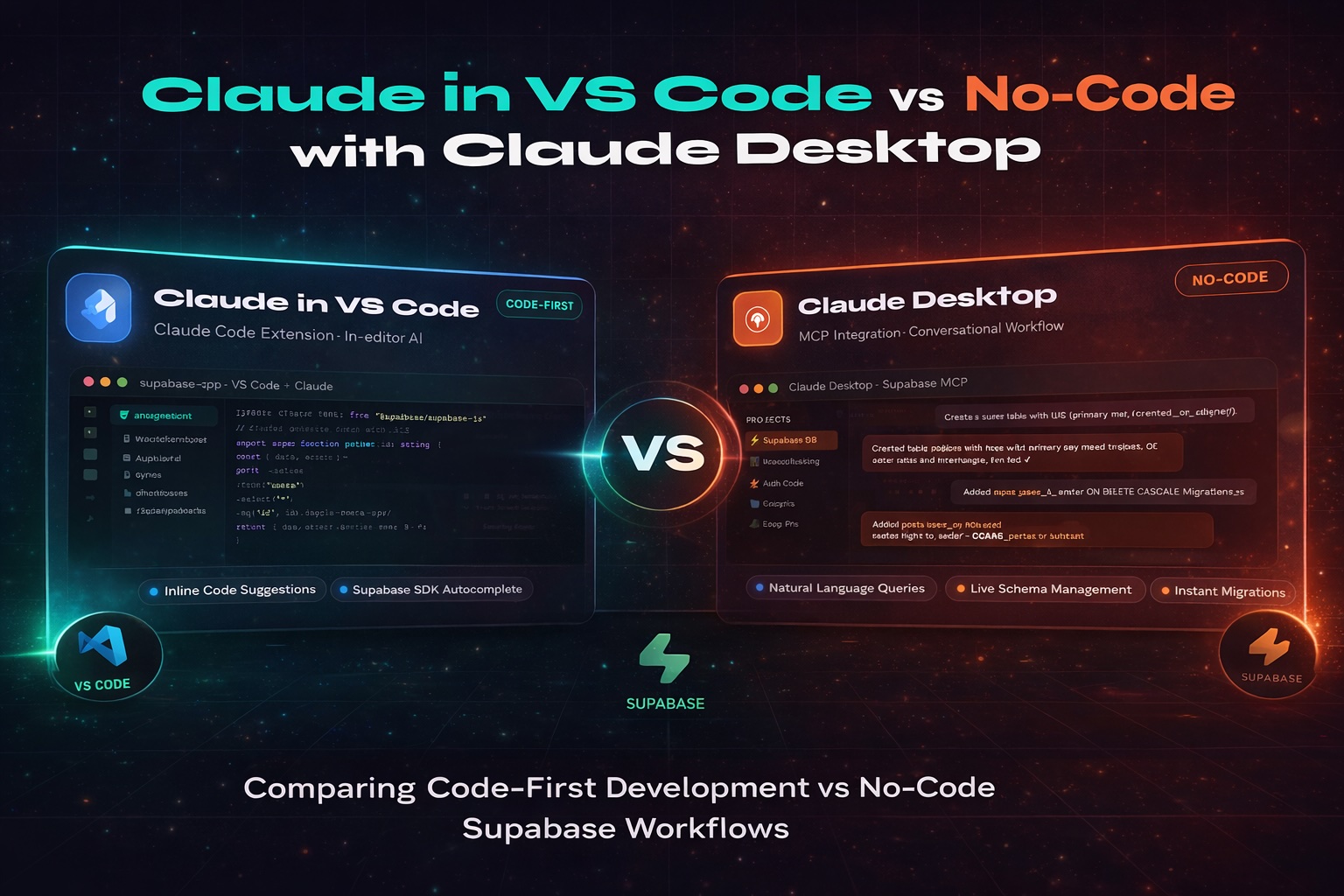
The rise of AI-powered development tools has fundamentally changed how software is built. Tools like Claude, when paired with platforms like Supabase, now allow even non-technical founders to ship applications without writing a single line of code.
At first glance, this feels revolutionary — and in many ways, it is.
But at Codifly, we believe there's a critical distinction that many teams overlook:
AI should be part of the process — not the entire process.
In this post, we break down two real-world approaches to building with Claude and Supabase, compare their trade-offs, and explain why the code-first path consistently delivers better, more scalable, and more maintainable systems.
Approach 1: Claude Desktop + Supabase (No-Code Workflow)
This approach leverages Claude's conversational interface to generate logic, database schemas, and even basic UI — all without touching a code editor. Supabase handles the backend: authentication, database, storage, and auto-generated APIs.
The typical workflow looks like this:
- Describe what you want to build in natural language
- Let Claude generate SQL schemas, API logic, or frontend scaffolding
- Use Supabase's dashboard to configure tables, policies, and auth
- Ship — without ever opening a terminal
Advantages
1. Speed of Execution
You can move from idea to working prototype in hours. For non-technical founders validating a concept or building an MVP to show investors, this speed is genuinely powerful.
2. Low Entry Barrier
No programming experience required. Anyone with a clear idea and the ability to write good prompts can experiment, iterate, and build something functional.
3. Rapid Experimentation
Want to try a completely different data model? Just ask Claude again. Without code ownership, there's little attachment to any particular implementation — pivoting is cheap.
Disadvantages
1. Lack of Control
You don't own the architecture. You can't see how pieces connect, and when something breaks, you're dependent on AI to diagnose it — which it often can't do reliably without full context.
2. Poor Scalability
What works at demo scale frequently collapses under real users, real data, and real edge cases. AI-generated systems rarely account for performance, indexing strategy, or query optimisation.
3. Limited Customisation
You're constrained by what Supabase exposes through its dashboard and what Claude can reasonably generate. Custom business logic, complex workflows, and third-party integrations quickly hit walls.
4. Debugging is a Nightmare
When production breaks, you need to trace the problem through code you didn't write and don't fully understand. Logs, stack traces, and error messages become much harder to act on.
5. Hidden Technical Debt
AI-generated output without human review often contains subtle inefficiencies, security gaps, and antipatterns. These compound silently until they become expensive problems.
Approach 2: Claude in VS Code (Code-First Development)
This approach puts a skilled developer at the centre — and uses Claude as an intelligent accelerator inside their IDE. The developer owns every decision: architecture, naming conventions, data models, security policies. Claude assists with generation, refactoring, test writing, and code suggestions.
The workflow looks like this:
- Developer defines the architecture and data model
- Claude helps scaffold components, write boilerplate, and suggest implementations
- Every AI suggestion is reviewed and understood before it's committed
- Supabase is integrated via the SDK, with full control over queries and auth policies
Advantages
1. Full Control Over Code
Developers define the structure, set the standards, and understand exactly what's running in production. There are no black boxes.
2. Built for Scale
Because the foundations are deliberately designed — proper indexing, clean separation of concerns, typed interfaces — the system can grow with the product rather than fighting it.
3. Debugging is Straightforward
You own the codebase. You can read every file, trace every function, and understand every error. Fixing bugs is a skill exercise, not a prayer.
4. AI as an Accelerator, Not a Replacement
Claude in VS Code dramatically reduces the time spent on repetitive tasks — writing tests, generating CRUD operations, documenting functions. It speeds up experienced developers without removing their judgment.
5. Cleaner Architecture, Better Patterns
Human-AI collaboration consistently produces more modular, readable systems than AI working alone. The developer shapes the patterns; Claude fills in the implementation.
Disadvantages
1. Requires Skilled Developers
This approach assumes someone on the team understands software architecture, security, and best practices. It's not beginner-friendly.
2. Slower Initial Setup
Compared to no-code, you'll invest more time in configuration, project structure, and establishing conventions before the first feature ships.
Side-by-Side Comparison
| Factor | Claude Desktop + Supabase | Claude in VS Code |
|---|---|---|
| Speed to MVP | ✔ Very Fast | ◎ Moderate |
| Scalability | ✘ Low | ✔ High |
| Developer Control | ✘ Limited | ✔ Full |
| Debugging | ✘ Difficult | ✔ Straightforward |
| Customisation | ✘ Restricted | ✔ Unlimited |
| Security Oversight | ✘ Weak | ✔ Strong |
| Long-Term Viability | ✘ Fragile | ✔ Robust |
The Codifly Perspective
At Codifly, we've built production systems for clients across fintech, logistics, and SaaS — and we've seen both approaches play out in the real world.
No-code AI workflows are genuinely exciting for validation and early-stage exploration. If you're trying to prove a market exists before investing engineering resources, a Claude + Supabase prototype is a smart move.
But when it's time to build something real — something that needs to handle real users, real data, and real edge cases — we advocate strongly for a code-first approach enhanced by AI.
AI without control leads to shortcuts.
AI with control leads to excellence.
The goal isn't to remove developers from the equation. It's to empower them. When Claude is used as a tool inside a thoughtful engineering workflow, it:
- Cuts the time spent on repetitive implementation tasks
- Lets developers focus on architecture and product decisions
- Accelerates delivery without sacrificing quality or maintainability
When AI is over-relied upon as the sole author of a system, the outcomes are predictable:
- Fragile systems that break under pressure
- Security gaps that weren't caught because no one was looking
- Mounting technical debt that slows down every future change
Final Thoughts
The question isn't whether to use AI in your development workflow — you should. The question is how.
No-code AI workflows have their place: prototyping, validation, exploration. They're a powerful starting point.
But for serious products, scalable systems, and long-term business value, a developer-led, AI-assisted workflow is the clear winner. It's the difference between a system that works today and a system that grows with you.
At Codifly, that's the standard we build to — and the one we'd encourage every product team to adopt.